
Download the app and claim your welcome bonus on the go
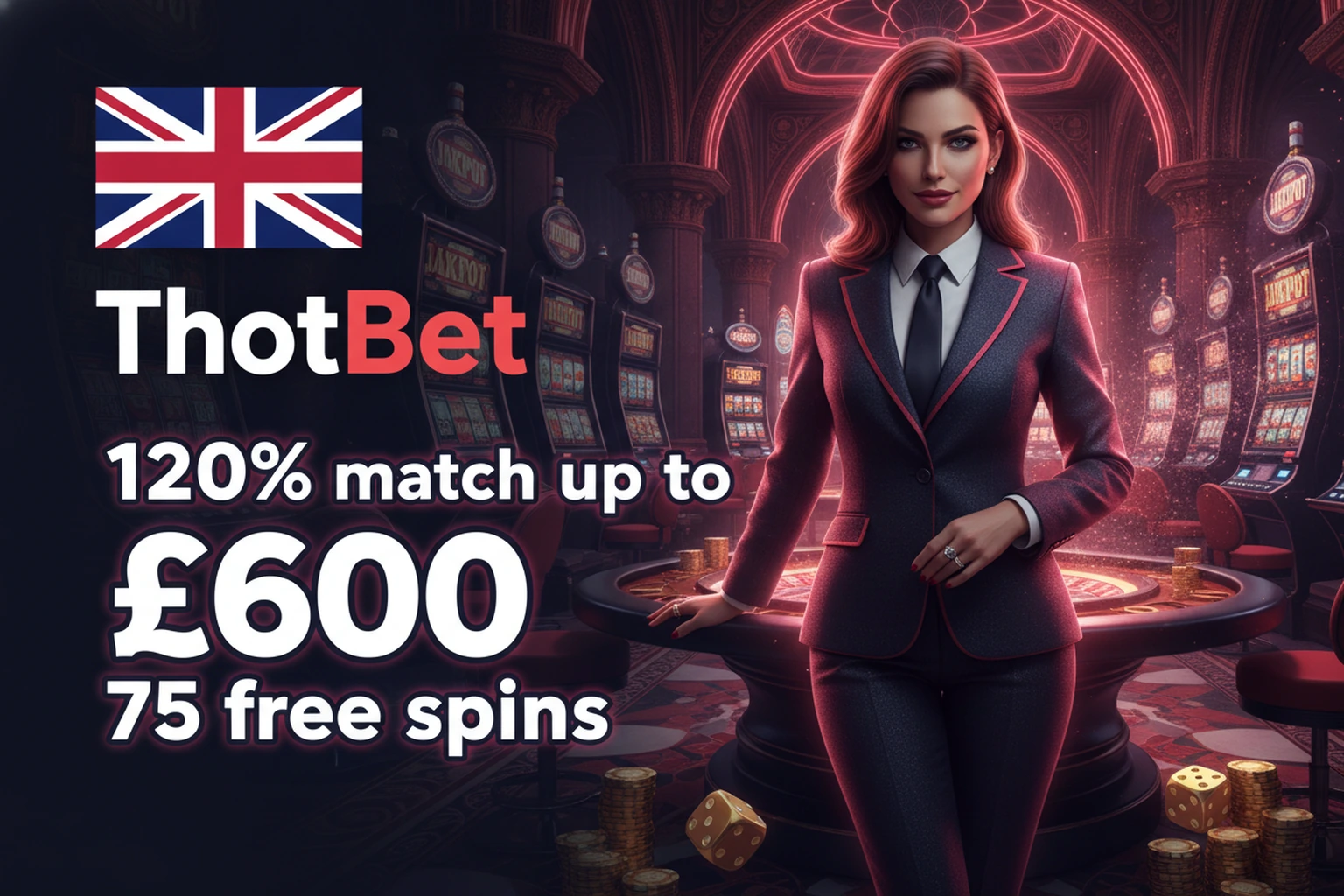
Get a 120% match up to £600 + 75 free spins with ThotBet
ThotBet apk for Android and iPhone Players in the United Kingdom
4.2 Rated by our editors
Download the ThotBet App
Unlock exclusive app-only bonuses, lightning-fast gameplay, and instant win notifications straight to your phone. Play your favorite games anywhere, anytime.
- Open the App Store or Google Play Store on your phone
- Search for 'ThotBet' and tap Download
- Sign in or create your account and start playing in seconds
Android 6.0+ · iOS 12+ · ~50 MB
Get a 120% match up to £600 plus 75 free spins
- Licensed casino
Operates under a valid gaming licence
- Fast payouts
Quick withdrawals to popular payment methods
- 24/7 support
Live chat and email support around the clock
- Mobile app
Play on Android and iOS
- Fair RTP
Return-to-player published on every game
- Secure & encrypted
Your data is protected with SSL encryption
Top Bonus ThotBet For The United Kingdom
- Claim offer
ThotBet Welcome Bonus
120% match up to £600 + 75 free spins
- Qualifying deposit required to unlock the offer
- Check the minimum deposit shown in the cashier first
- Expiry date is listed in the cashier before you deposit
- Claim offer
ThotBet Free Spins
Free spins pack for new accounts
- Game list for the spins is shown in the bonus section
- Wagering terms apply to winnings from the spins
- Spins are credited after the qualifying deposit
- Claim offer
ThotBet Promo Code Bonus
Promo code offers available on the bonus page
- Check the terms page for current availability
- Codes apply only where the terms specify
- Separate bonus page covers current promotions
Popular slots






Top slots










I walk through the ThotBet apk install on Android and the iPhone options for players in the United Kingdom in 2026, covering the UK Gambling Commission licence, Visa payments and the welcome offer.
Get the ThotBet apk on Android in Five Steps
The ThotBet apk installs on Android in five steps: download from the official site, allow unknown sources, install, launch, and log in. ThotBet is licensed by the UK Gambling Commission and targets players in the United Kingdom, including London. You must be 18 or over.
- Open the official ThotBet site in your phone’s browser and find the download page. Check there for the current build, as I don’t rely on remembered version details.
- Download the file. When Android warns about unknown sources, allow installs for that browser only, and only for this one install.
- Open the downloaded file and tap Install. Read the permissions prompt before you confirm.
- Launch the ThotBet apk app from your home screen and wait for the first load to finish.
- Log in with your account, or register if you are new. Then switch the unknown-sources permission off again.
I keep the installer for no longer than it takes to finish setup, then delete it.
How to check the file is genuine before installing
I recommend downloading the ThotBet apk only from the brand’s own site, never from third-party mirrors, forums or messenger links. Check that the address bar shows a padlock, which means the page is served over SSL. During install, the permissions list should look proportionate for a betting app. Registration will later involve KYC identity checks, so anything asking for your documents before that is a warning sign. Game fairness relies on RNG testing, which an installer file cannot prove.
iPhone Users: Installing and Browser Access Options
An apk file is an Android package and does not run on iPhone, so there is no way to install the ThotBet apk on iOS. iPhone players need a different route, and I check the site’s mobile page for the current one.
I would not search for a workaround or a converted file. Files offered as an iPhone version of the ThotBet apk app from unknown sources are a security risk, and I avoid them.
The practical option is browser access. You log in through Safari on the official site, with no installation and no permissions to grant. The trade-off is that a browser session lacks some conveniences of a dedicated app, such as a home-screen icon unless you add a shortcut yourself. I also don’t claim an App Store listing exists. The site’s mobile page shows whether a native iOS option is currently offered. Whichever route you use, set deposit limits before you play, since gambling carries a real risk of loss.
ThotBet App vs Mobile Browser: Which Suits You
The ThotBet apk offers a dedicated Android icon and app-style access, while the mobile browser needs no installation and works on any phone. I prefer the app on Android and the browser on a shared or low-storage device.
| Kind | Android apk | Mobile browser |
|---|---|---|
| Installation | Needs a download and an unknown-sources permission | None, just open the site |
| Storage | Uses phone space | Minimal |
| Updates | Often manual, so I check the download page | Automatic, as the site updates itself |
| Notifications | Possible through the app | Limited |
| Launch | Home-screen icon | Bookmark or shortcut |
| Device support | Android only | Android and iPhone |
I choose the ThotBet apk app on my own Android phone because it launches in one tap and feels more like a native app. The trade-off is that I must keep it current myself and download only from the official site.
The browser suits me when I am on someone else’s device or want nothing extra installed. Both routes use the same account, so switching costs nothing. Whichever I pick, I play only with money I can afford to lose, and I remember that ThotBet is for adults aged 18 or over.
Registering and Logging In Through the App
Registration inside the app takes a few steps: enter your details, confirm you are 18 or over, then log in. I prepare ID documents beforehand, because ThotBet, licensed by the UK Gambling Commission, requires KYC identity checks.
- Open the app and tap the register button.
- Enter your personal details exactly as they appear on your ID, then confirm you are 18 or over.
- Set a strong, unique password and complete the ThotBet apk registration.
- Log in with your credentials. For future sessions, the ThotBet apk login uses the same details.
- Open your account area to see your verification status.
What I prepare before signing up
I keep a photo ID and proof of address ready, since KYC is part of the process. I don’t assume any timing for verification; the account area shows the current status.
The app uses SSL to encrypt data between my phone and the site, which protects my login details and documents. I still avoid public Wi-Fi when entering them. Game outcomes rely on RNG, a random number generator that is meant to keep results unpredictable.
If gambling stops being fun, I use the account’s limit and self-exclusion tools. It is entertainment with real risk, not a source of income.
Claiming the 120% Match up to £600 + 75 Free Spins on Mobile
The ThotBet welcome offer is a deposit package: 120% match up to £600 plus 75 free spins, with a wager x40 requirement. I claim it from the app by registering, making a qualifying deposit, and reading the terms first. You must be 18 or over.
This is a ThotBet apk welcome bonus that depends on a deposit. It is not a no-deposit offer, and I treat the match as extra play money, never as free cash.
How I claim it
- Complete registration and verification in the app.
- Open the cashier and choose a deposit in GBP.
- Check that the offer is selected or opted into before you confirm.
- Review the bonus balance and the wagering progress in your account.
Wager x40 means the bonus amount must be played through 40 times before winnings from it can be withdrawn. For example, a £100 bonus would require £4,000 of total bets. I read the full terms for game contributions, time limits and maximum bet rules before accepting.
Free spins, promo codes and no-deposit offers
The ThotBet apk free spins are part of the same package, so I check how and when they are credited. I cannot confirm a ThotBet apk promo code or a ThotBet apk no deposit bonus from here. The terms page is where I check whether either is currently available.
Wagering requirements make bonuses harder to cash out than they look, and losses are a real possibility. I only deposit what I can afford to lose, and I skip the offer if the terms don’t suit me.
Deposits and Withdrawals From Your Phone
ThotBet accepts Visa, Mastercard and PayPal for GB players, with accounts in GBP. I would start with Visa for speed and simplicity. For any ThotBet apk deposit or withdrawal, the cashier shows the current limits and processing times.
| Payment method | Minimum deposit | Payout speed | Currency |
|---|---|---|---|
| Visa | Yes | Check the cashier | GBP |
| Mastercard | Yes | Check the cashier | GBP |
| PayPal | Yes | Check the cashier | GBP |
I haven’t listed limits or payout times because they can change, and I won’t quote figures I can’t verify. The cashier shows them before you confirm anything.
Which method I pick first
I choose Visa first because I already have the card in my wallet and it needs no extra account. PayPal is a good second choice if I prefer to keep card details out of the process. Mastercard works in much the same way as Visa.
Withdrawals can be requested from the same cashier. A ThotBet apk withdrawal usually requires completed KYC checks, so I verify my account early rather than waiting until I want to cash out. I also tend to use the same method for both directions, as that is often simpler.
I set a deposit limit before my first payment and never gamble with money needed for bills or rent.
Sports and Casino on the Small Screen
The ThotBet app covers sports betting, including Premier League markets, and casino play on mobile. I find navigation simple enough for quick bets, though I always read the slip before confirming. You must be 18 or over.
Sports betting on mobile
I open the sports section, choose Premier League from the football list, and tap a selection to add it to my bet slip. I then enter a stake, check the details and confirm. I don’t assume which markets are available for a given match, so I look at the match page itself.
Some players use a bet prediction app to follow form and fixtures. I treat any prediction as an opinion, not a promise, because results can’t be forecast reliably and a losing run is always possible.
Casino on mobile
The casino section sits alongside sports in the main menu, so switching takes a couple of taps. I browse the lobby, open a game, and check its rules and stake range before I play. Screen size makes small buttons easier to mis-tap, so I slow down on the spin and bet controls.
Gambling is entertainment with a real risk of loss, not a way to earn money. I set a deposit limit and a session reminder before I start, and I stop when the limit is reached.
Licence, Encryption and Fair Play Behind the App
ThotBet is licensed by the UK Gambling Commission, which matters even more when you sideload an apk outside an app store. The app also relies on SSL encryption, KYC checks and RNG-based game outcomes.
Why the licence matters for an apk
A sideloaded file has no store review behind it, so the operator’s regulation is the main safeguard I can verify. I look for the licence line in the site footer, then check it against the UK Gambling Commission public register. I state no licence number here; the register is the authoritative source.
Encryption, identity checks and fairness
SSL protects data sent between my phone and the site, including login details and payment information. It does not protect against a fake download, which is why I use only the official site.
KYC means the operator verifies my identity and age before allowing certain actions, such as withdrawals. I see it as a safeguard for me and for other players.
RNG stands for random number generator, the system intended to make game outcomes unpredictable. Regulation and testing support fairness, but they don’t remove the house edge, so I play for fun and only with money I can afford to lose.
Fixing Install Errors, Location Prompts and Crashes
Most problems with the ThotBet apk come from blocked permissions, low storage or location settings. I work through the fixes in order: permissions, storage, reinstall, location, then support.
| Problem | Likely cause | What to try |
|---|---|---|
| Install is blocked | Unknown-sources permission is off for your browser | Allow installs for that browser, then retry |
| Install fails midway | Not enough storage or a damaged download | Free up space and download the file again from the official site |
| App closes on launch | Corrupted install or an outdated build | Uninstall, then reinstall the current build from the download page |
| Location prompt or block | Location services or app permission switched off | Enable location for the app and check your device settings |
| Cannot sign in | Typing error or an unfinished account setup | Re-enter your details, then reset your password if needed |
What I try, in order
- Check permissions and storage first, since they cause most failed installs.
- Delete the file and reinstall the ThotBet apk app from the official site only.
- Switch on location services, as betting apps need to confirm where you are playing.
- Retry the ThotBet apk login. If you are new, check that your ThotBet apk registration details match your ID.
- Contact support if the problem continues, and don’t invent error codes or share your password.
I never install a replacement from a third-party mirror to get around an error.
Staying in Control: Limits and Self-Exclusion in the App
ThotBet is for adults aged 18+ only. I set deposit limits before my first deposit, and I use self-exclusion if gambling stops being fun. GamCare offers free support.
Tools I use
- Deposit limits: I choose a daily, weekly or monthly cap in GBP before I pay in.
- Self-exclusion: This blocks my access for a period I choose, and I look for it in the account or responsible gambling area.
- Breaks and reminders: I take regular pauses and don’t chase losses.
Gambling is entertainment with a real risk of losing money. It is not a way to earn income or recover debts.
If gambling is causing you worry, GamCare provides confidential help and advice for people in the United Kingdom. I would contact them early rather than wait. Only play with money you can afford to lose.
What Players and I Make of the ThotBet apk
The ThotBet apk is a convenient way to play on Android if you download it from the official site and understand the risks. I find it useful, though it has trade-offs. You must be 18 or over.
Strengths
- A home-screen icon and one-tap launch on Android.
- A 120% match up to £600 + 75 free spins welcome package, subject to wager x40.
- UK Gambling Commission licensing, with Visa, Mastercard and PayPal in GBP.
Drawbacks
- Sideloading means I update the app and check its source myself.
- iPhone users cannot install an apk and must use the browser.
- Wagering terms make the bonus harder to clear than the headline suggests.
I don’t quote ratings or review counts here. For ThotBet apk reviews, I suggest reading independent review sources and comparing several opinions rather than relying on one.
My view is balanced: I enjoy it as entertainment, but I set deposit limits first and only play with money I can afford to lose.
Common questions
How can I get the ThotBet apk for free in the United Kingdom?
The ThotBet apk costs nothing to download from the official ThotBet site, and the file itself carries no fee. Avoid pages that promise a cracked, modded or pre-bonused version, because third-party mirrors are a security risk. Registration and the app are free, but deposits, bets and any bonus wagering use real money in GBP. You must be 18 or over to register.
Which bet prediction app should I use alongside ThotBet?
No bet prediction app can be called the best, because no tool forecasts results reliably. I treat any prediction as an opinion and use such apps only to follow form and fixtures. Pick an app from a developer you can verify, avoid ones asking for card details or ThotBet login details, and place stakes only within your deposit limits. A losing run is always possible.
Does the ThotBet apk need a lot of permissions on my Android phone?
The permissions list should look proportionate for a betting app, and I read the prompt before confirming the install. Location access is one you may see, since betting apps need to confirm where you are playing. Be cautious if the app asks for your documents at install time, because KYC identity checks come later, during registration. If a permission looks unrelated to betting, cancel and download the file again from the official site.
Can I use the same ThotBet account on the apk and in the mobile browser?
Yes, both routes use the same account, so switching between the Android apk and the mobile browser costs nothing. Your login details, balance and verification status stay the same. The trade-off is convenience: the apk gives a one-tap home-screen icon but needs manual updates, while the browser needs no installation and works on iPhone through Safari.
Why is the ThotBet welcome bonus harder to cash out than the headline suggests?
The 120% match up to £600 plus 75 free spins carries a wager x40 requirement, so the bonus must be played through 40 times before related winnings can be withdrawn. A £100 bonus, for example, needs £4,000 in total bets. You gain extra play money but lose flexibility, and losses remain possible. Game contributions, time limits and maximum bet rules in the terms can make clearing it harder still.
Does the UK Gambling Commission licence protect me if I install the ThotBet apk outside an app store?
It helps, but it has limits. The UK Gambling Commission licence means ThotBet is regulated, and I check the footer licence line against the public register. It does not protect against a fake installer from a mirror site, since a sideloaded file has no store review. SSL encrypts data in transit but cannot verify a file's source, so download only from the official ThotBet site.
Player feedback
Signed up through the app on my Android phone and the welcome match came through quickly. The 120% up to £600 plus the 75 free spins is a solid offer, though the x40 wagering takes a while to clear, so read the terms first.
Withdrawals landed in my bank account within a day once my ID check was done. The first verification took around two days because I had to resend a document, but support was polite about it.
The Premier League markets are easy to find in the app and bet slips open without fuss. Live odds update smoothly on my phone, although I wish the cash-out button was easier to spot on smaller screens.
Login and deposits work fine through the app, and the layout is clean and simple to navigate. I did hit a location prompt that stopped the app opening until I changed my settings, so it's worth checking that early.
The app is handy for quick bets on the go, and the free spins were a nice touch. I'd still prefer a UK-regulated operator, since this one holds a Curaçao licence, so I keep my stakes modest.